We don't just develop cameras. We provide answers.
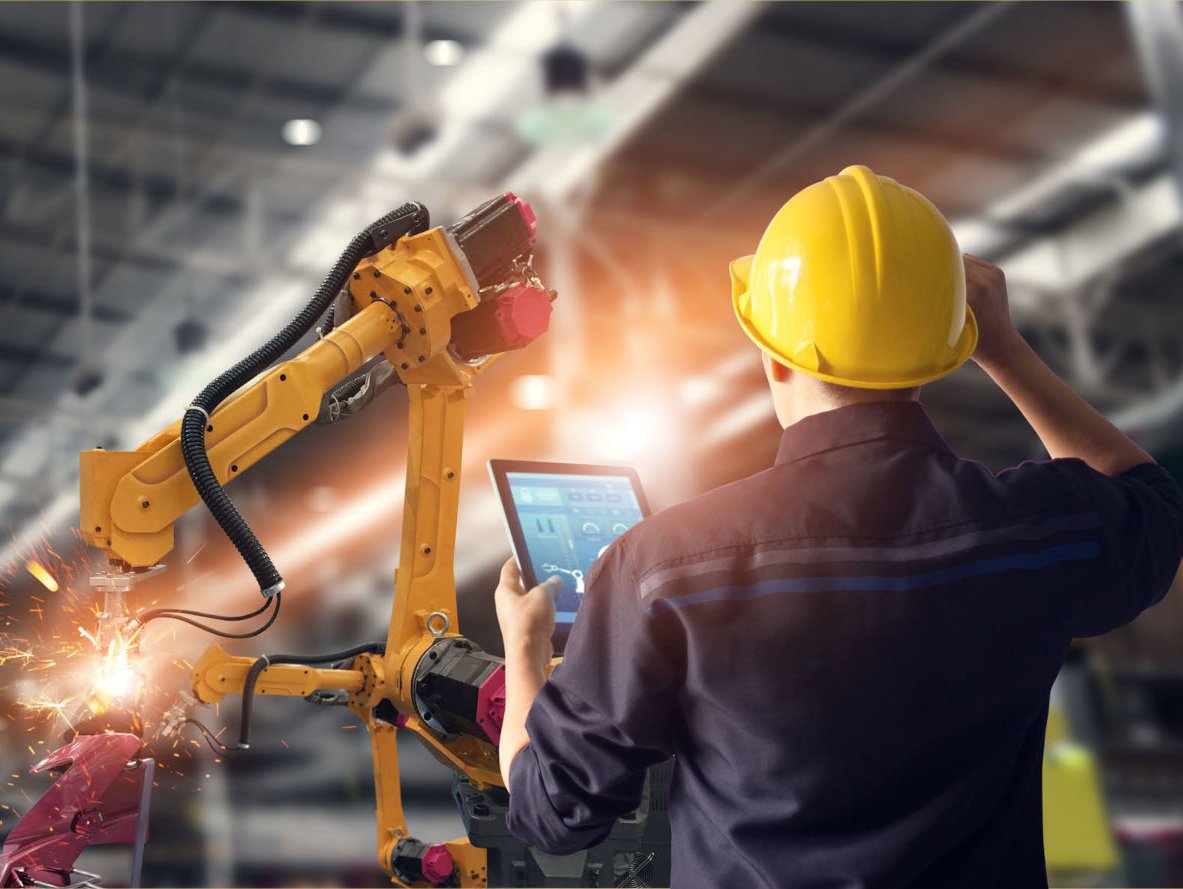
At Allied Vision, we help people achieve their goals with digital cameras for computer vision. This technology opens up a range of new possibilities for businesses throughout a broad spectrum of industries. Originally built with the needs of manufacturers in mind, our camera portfolio now extends to a wide variety of sectors including science and research, medical imaging, traffic monitoring, and sports analytics.
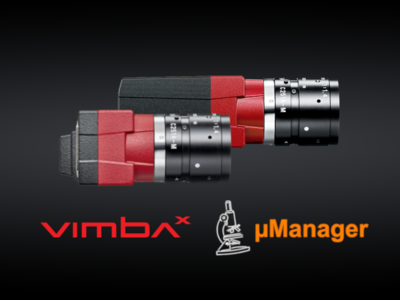
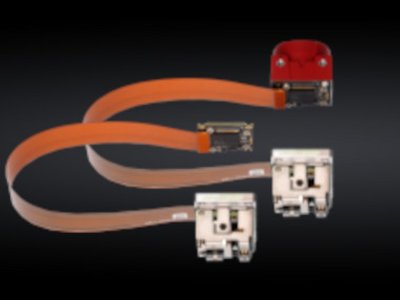
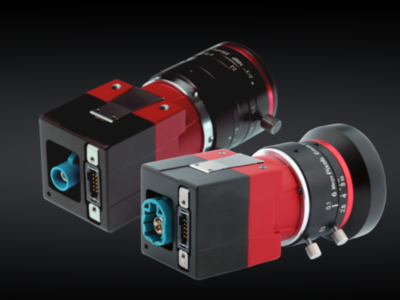
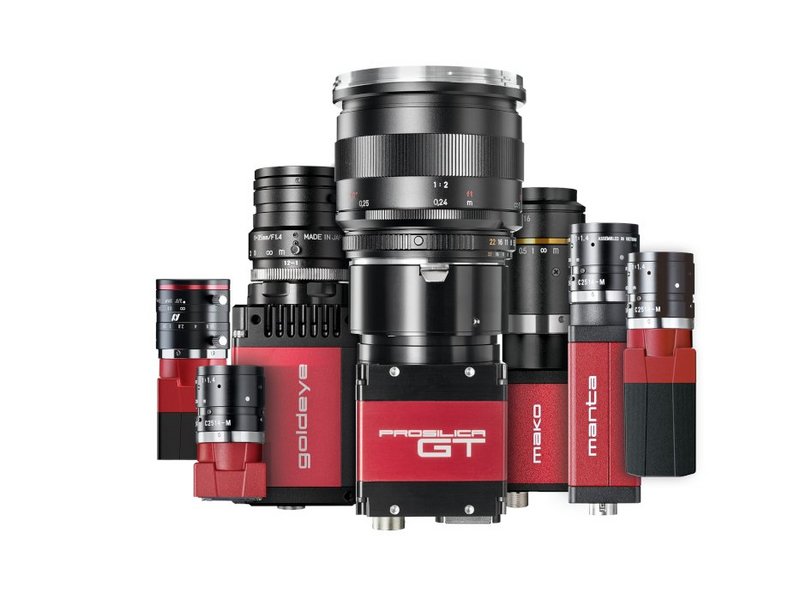
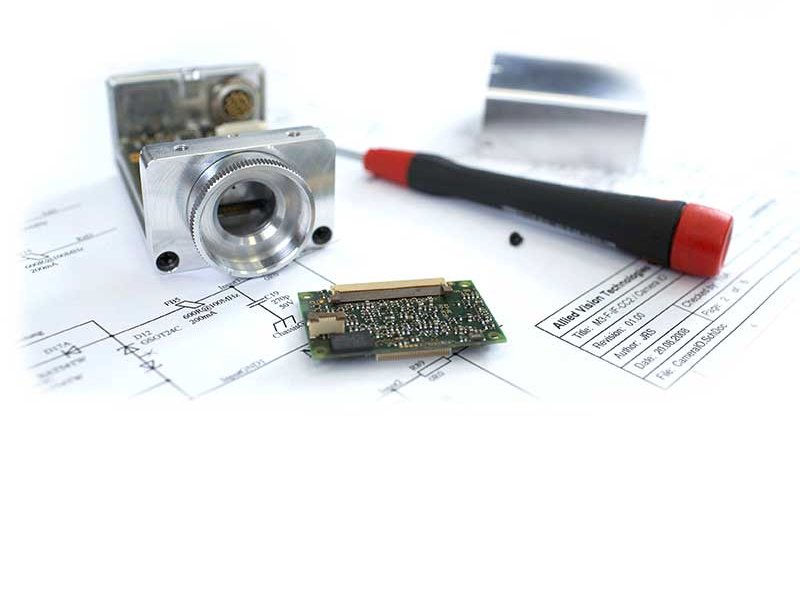
Given the wide variety of application challenges our customers face, we have always endeavored to offer a flexible and variable camera portfolio. This is why we design our cameras to be modular. The result is a diversity of sensors, lens mounts, filters, board-level versions, and many more options that maximize flexibility.
Camera technology for your requirements
Our engineers design digital cameras with a large scope of resolutions, frame rates, bandwidths, interfaces, spectral sensitivities, sensor technologies, and technical platforms. We have created a modular concept to ensure that your camera adapts to requirements of your application and not the other way around.
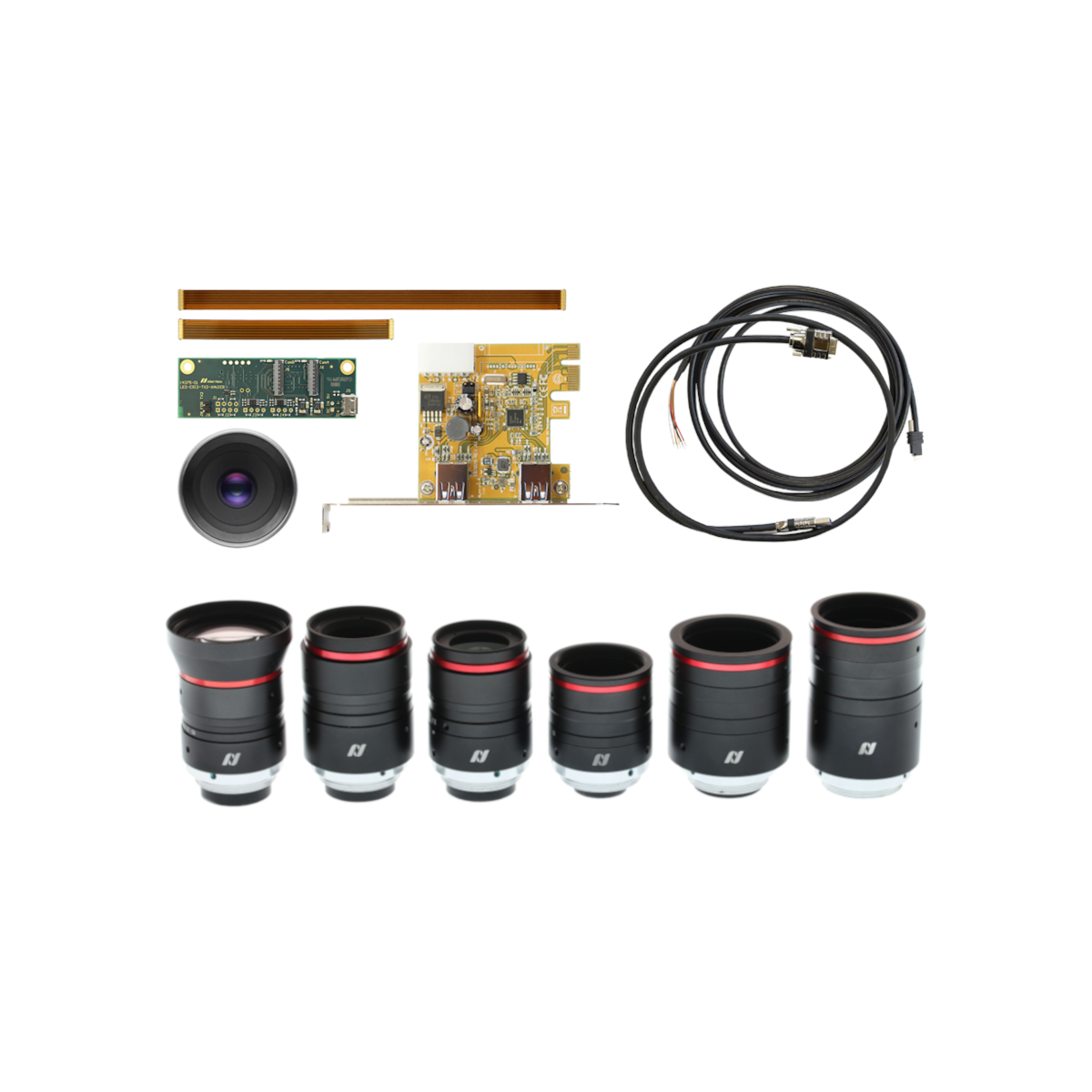
We know how to help you find the best camera solution for your application. That includes a digital camera, but also the right lens, the right connectivity hardware and the right software interface. Our job is to reliably deliver the image you need, when you need it and how you need it.
Vision solutions for your application


Technical information and support
Allied Vision is at your side throughout the life cycle of your image-processing project. We are here to help you integrate your camera into your system, solve software issues and ensure your system performs as it should even years after you purchased your camera.
Our specialists provide expert advice, engineering, manufacturing and support for digital cameras, their peripherals and their integration into your machine vision system.